
Ragdoll Frenzy November 2026 Hotfixes
What changed around the Multiplayer Update wave and how to re-test your sandbox loop.
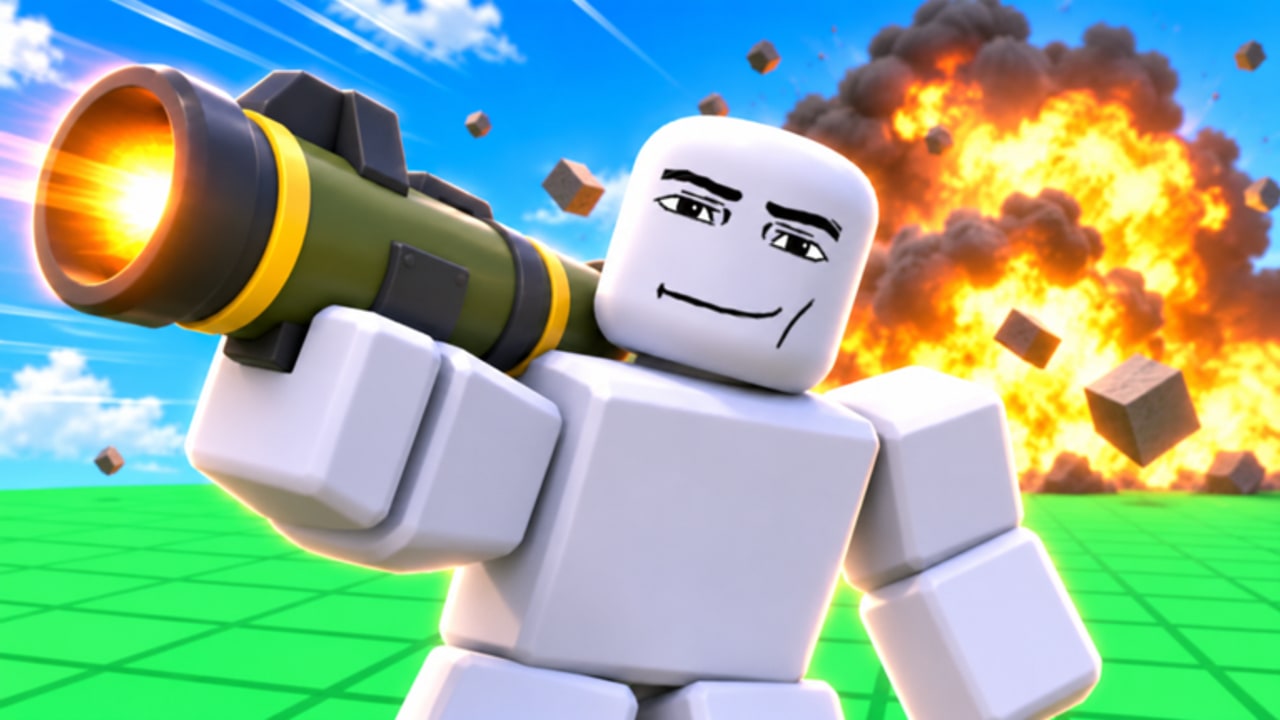
JustEvolve shipped Ragdoll Frenzy on 3 November 2026 and kept publishing through mid-month. The Roblox Events module still highlights the MULTIPLAYER UPDATE, while third-party trackers recorded additional publish spikes around 12–15 November 2026 with concurrent peaks near 6k and visit totals climbing through the 4.5M–4.7M range. This page captures the hotfix wave around that Multiplayer push so you know what to re-test without inventing unreleased patch notes.
Read the dedicated Multiplayer Update article for lobby tactics, then return here for the follow-up checklist. Broader history stays on the Updates Hub.
What we can confirm
| Signal | Detail (mid-November 2026) |
|---|---|
| Release | 2026-11-03 public launch |
| Headline Event | MULTIPLAYER UPDATE (Event window ~Nov 12–21 2026, subtitle ???) |
| Server size | 12 players |
| Maturity | Mild Blood (Heavy/Unrealistic), Violence (Repeated/Mild) |
| Creator | JustEvolve group / TheCoolBugGuy |
| Place / Universe | 88698076089192 / 10774452423 |
| Promo codes | None confirmed active — see Codes |
| Hotfix cadence | Multiple publishes Nov 12–15 with measurable CCU jumps |
| Visits / favorites (mid-Nov snapshot) | ~5.0M+ visits / ~150k+ favorites |
| Game Passes | Roblox store label: No passes available |
| Official Discord / Trello | Not found on public game/group channels |
JustEvolve does not always post long written patch notes for every publish. When the Event card stays on Multiplayer while the place “Updated” timestamp moves, treat the drop as a hotfix wave and run the checklist below.
Why mid-November felt busier
Player charts showed sharp gains after publishes on roughly Nov 12, Nov 13, Nov 14, and Nov 15. Average session length stayed short (around five minutes on some trackers), which means newcomers bounce quickly if grabs feel broken or trains feel unfair. Hotfixes in that window appear aimed at keeping the Multiplayer fantasy stable: denser lobbies, contested props, and viral short-form clips driving discovery.
If your muscle memory comes from the quieter soft-launch days, assume:
- More people contest the same dummy cluster.
- Train lanes clear slower because spectators stand nearby.
- Machine comedy bits need called lanes.
- Weapon feel may shift slightly even when the Event title does not change.
Post-hotfix checklist (run every return)
- Controls — Confirm grab, tool, reset, and slow-mo prompts on your device via Controls and the Controls Cheatsheet.
- Grab loop — Three quiet attachments before combat (Grab, Shoot & Blast).
- Blast spacing — One weapon family in a safe lane; note knockback changes.
- Slow-mo — One finisher attempt; retune timing with Slow-Mo Finishers.
- Train — One early dodge, then check cadence near rails (Train & Machines).
- Machines — Confirm stretch / head-removal / fire props still complete without soft-locking.
- Tier drift — Reshuffle opinions on the Tier List Hub and Weapons Tier List if a tool suddenly deletes dummies too fast or too slow.
- Codes — Still empty of verified promos as of this snapshot; glance at Codes anyway after milestone spikes.
- Scripts — Expect injectors to break first; see Scripts before blaming JustEvolve.
- Device switch — Mobile and console players should re-map buttons using Mobile & Console.
Multiplayer follow-up habits
Hotfixes do not replace etiquette. After denser Multiplayer lobbies:
- Share slow-mo windows instead of stealing them.
- Avoid spawn-wide blasts that soft-crash new players’ first minute.
- Reset yourself when physics traps another avatar.
- Prefer private servers for long choreography.
Those habits are expanded in Tips & Tricks and the Multiplayer Update page.
What we will not invent
We will not invent bullet lists of “buffed RPG +20%” without a developer post. We will not invent countdown timers, fake Trello columns, or codes copied from Ragdoll MMA / Playground / Robot Boxing. When JustEvolve publishes a dated Event or description change, it earns a concrete row on this wiki. Until then, player-facing verification beats rumor screenshots.
Creator clip guidelines for hotfix weeks
If you publish a “patch review” short:
- State the approximate date and whether the Multiplayer Event banner was still visible.
- Note server fullness (quiet vs twelve players).
- Call out train timing, machine soft-locks, or grab drops that changed.
- Link viewers to this page and the Updates Hub so comments stay grounded.
Discovery shorts such as community “game name?” clips drive a huge share of new visits. Meet those players with honest patch context instead of recycled codes lists.
Suggested reading order after a hotfix
- This page’s checklist
- Multiplayer Update
- Getting Started if you are returning after a break
- Tips & Tricks for lobby polish
- Official Links and JustEvolve for creator follow routes
FAQ-driven clarity
Players often ask whether mid-November publishes “replaced” Multiplayer. From the public Roblox page, Multiplayer remains the featured Event while the place continues to receive quieter updates. Play the checklist, not the rumor mill.
Keep this tab bookmarked through the rest of November 2026. Ragdoll Frenzy is still young, charting hard, and shipping quickly—your best defense is a repeatable re-test loop.
Frequently Asked Questions
Quick answers players ask about Ragdoll Frenzy every day.
Did November hotfixes replace the Multiplayer Update?
No. Multiplayer remains the featured Event while JustEvolve continues quieter publishes around it.
Why did player counts spike around November 12–15?
Trackers recorded multiple publishes with strong concurrent gains as discovery shorts and multiplayer chaos spread.
Were promo codes added in the hotfix wave?
None are confirmed. The Codes Hub still lists no active Ragdoll Frenzy promos.
What should I re-test after each publish?
Grab prompts, one weapon family, slow-mo timing, train cadence, and machine completion—then check tier list drift.
Where is the full Multiplayer guide?
Open the Multiplayer Update child page under the Updates Hub for lobby-focused tactics.